> ## Documentation Index
> Fetch the complete documentation index at: https://moengage-docs-limits-analytics.mintlify.site/llms.txt
> Use this file to discover all available pages before exploring further.
# Why Are Event Data Uploads From S3 Failing Due to a Timeout Error?
> Resolve 504 timeout errors when uploading event data from S3 to MoEngage. Reduce files per folder and reorganize your bucket structure to fix imports.
## Problem
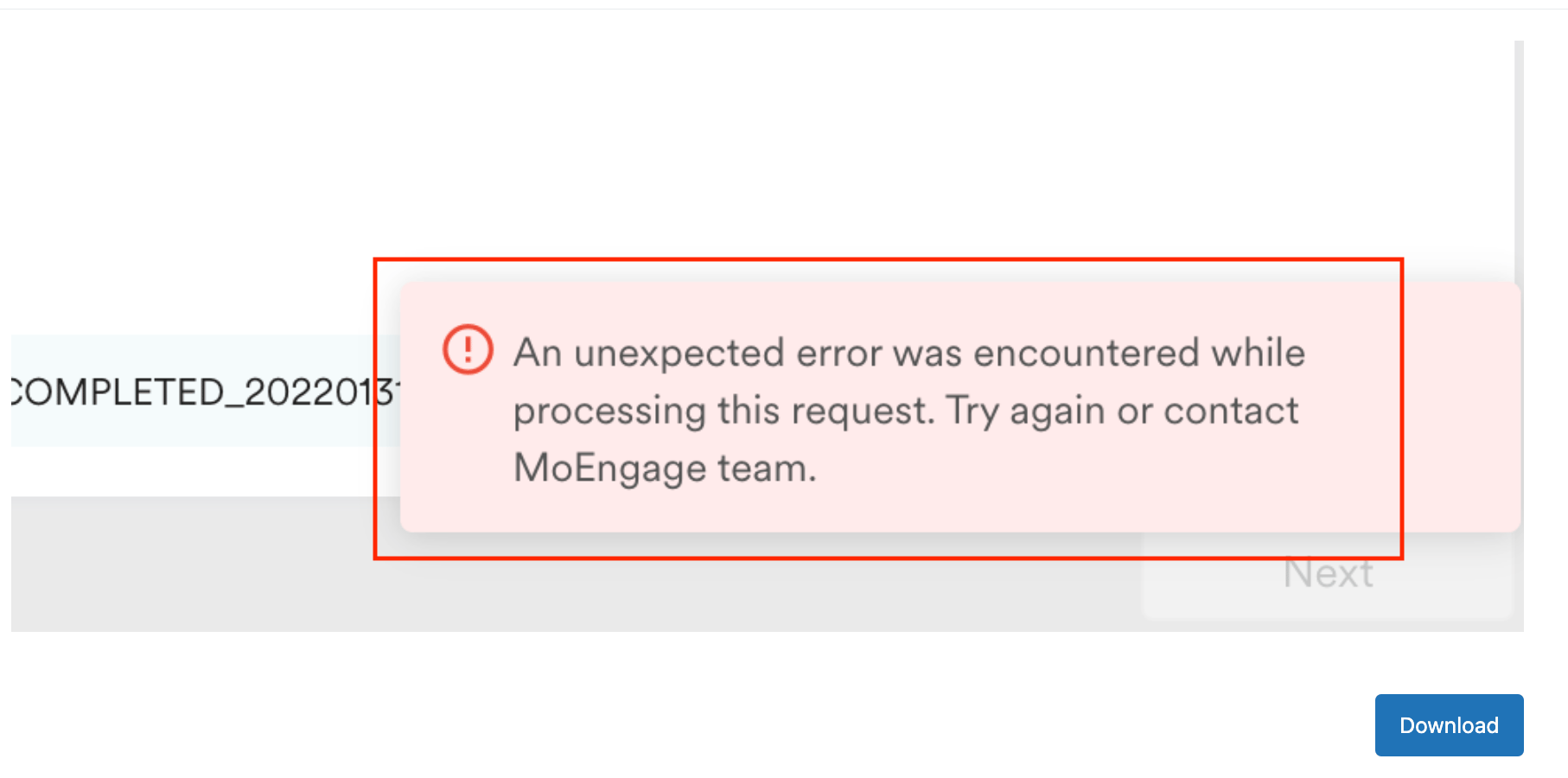
A timeout error (504 error response) occurs when attempting to set up a new Simple Storage Service (S3) import.
 ## Cause
The error occurs because the specified folder contains too many files, which exceeds your system's processing capacity.
## Solution
Perform the following steps:
1. **Check the number of files**:
* Verify the total number of files in the folder causing the issue.
2. **Organize files into separate folders**:
* Segregate files into different folders based on their purpose, such as event or user imports.
3. **Create a new folder**:
* Add only the necessary files to the new folder as a workaround.
4. **Remove files after import**:
* After the files have been imported successfully, remove them from the folder to prevent future issues.
The maximum timeout limit is 5 minutes.
## Cause
The error occurs because the specified folder contains too many files, which exceeds your system's processing capacity.
## Solution
Perform the following steps:
1. **Check the number of files**:
* Verify the total number of files in the folder causing the issue.
2. **Organize files into separate folders**:
* Segregate files into different folders based on their purpose, such as event or user imports.
3. **Create a new folder**:
* Add only the necessary files to the new folder as a workaround.
4. **Remove files after import**:
* After the files have been imported successfully, remove them from the folder to prevent future issues.
The maximum timeout limit is 5 minutes.